


Best of Kebab 🍟
Offer : 1 free portion of fries with the purchase of a large dürüm
How to take advantage of it?
- Print with Pappaye
- You receive coupons at the end of your print jobs
- Cut out the coupon and hand it to the cashier
Nati Thaï
Offer: Student menu for 8€
Your choice
- Vegan / vegetarian / chicken Pad Thai
- Vegan / vegetarian / chicken fried rice
- With a drink (= 10€)
Staraoké
Offre : 1 beer with the purchase of a session
How to take advantage of it?
- Print with Pappaye
- You receive coupons at the end of your print jobs
- Cut out the coupon and hand it to the bar staff.
Print your summaries and class notes for free and get vouchers too !
Available in Louvain-la-Neuve at Facopy
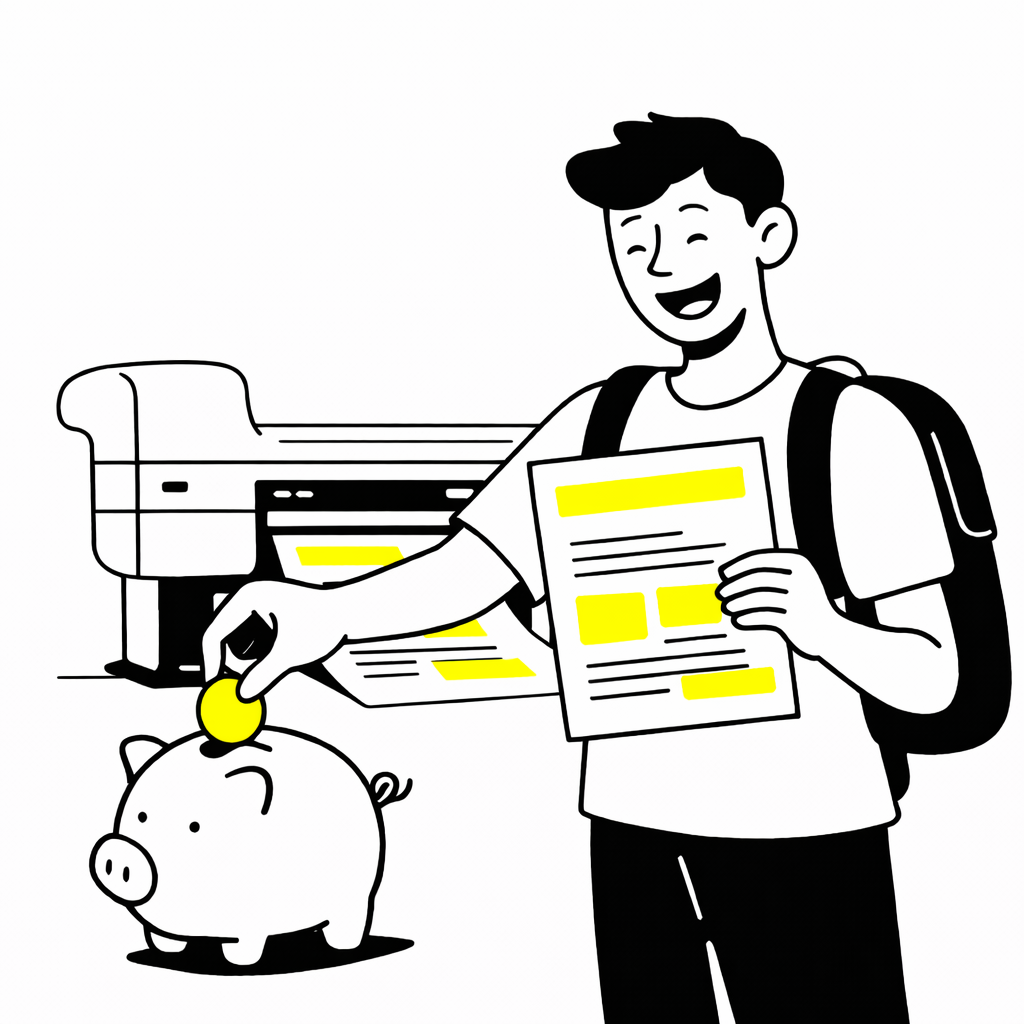
How does it work ?
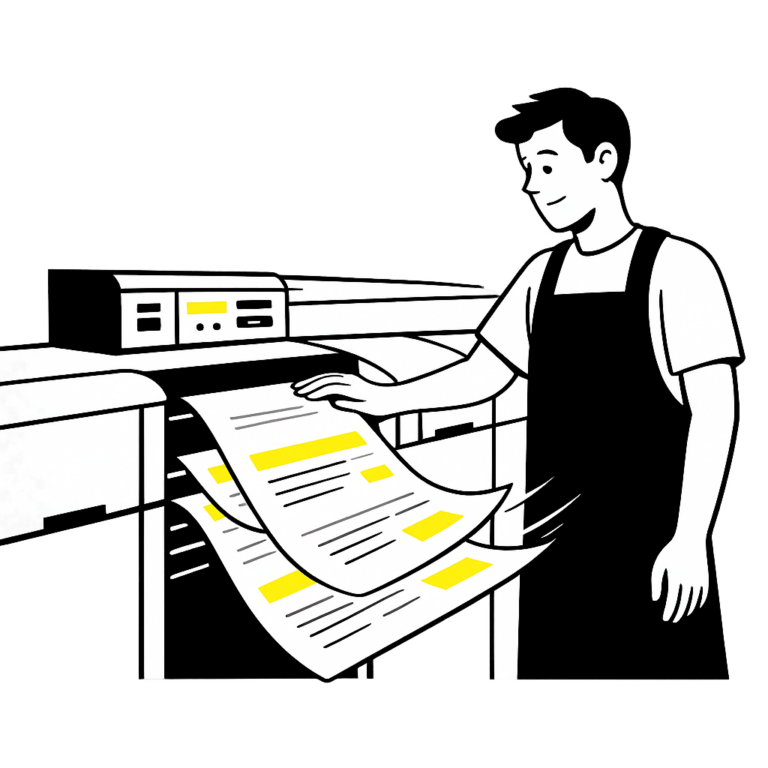
Printing your document
Maximum 3 days of waiting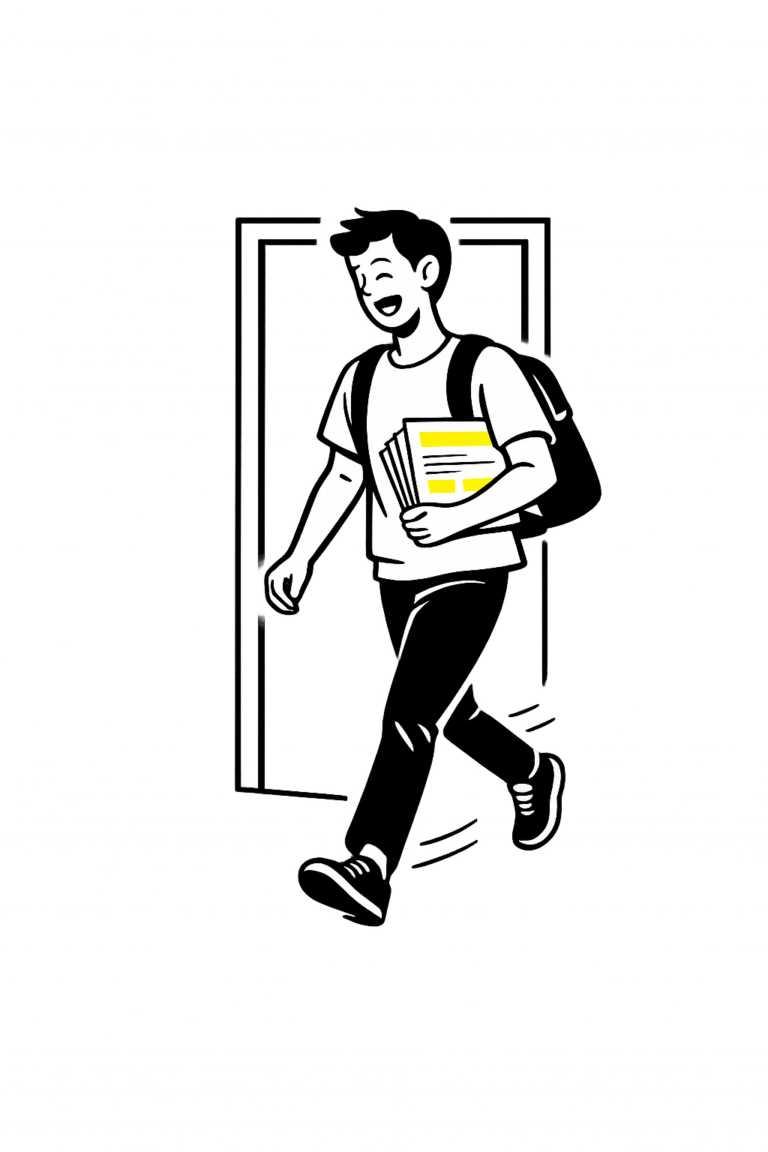
What does the final result look like ?
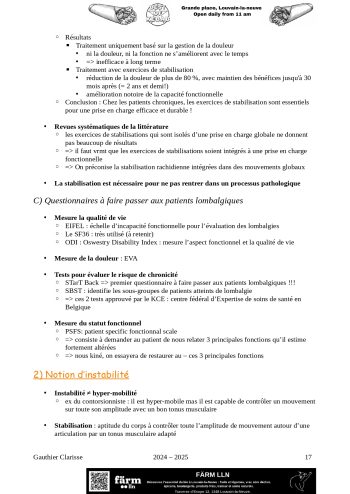
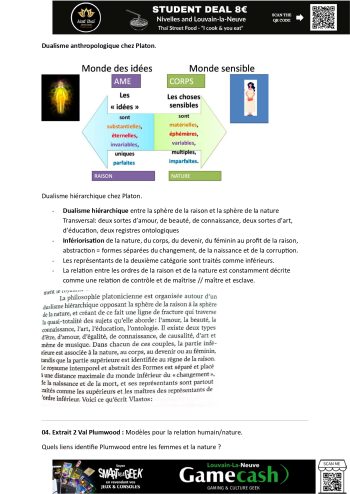
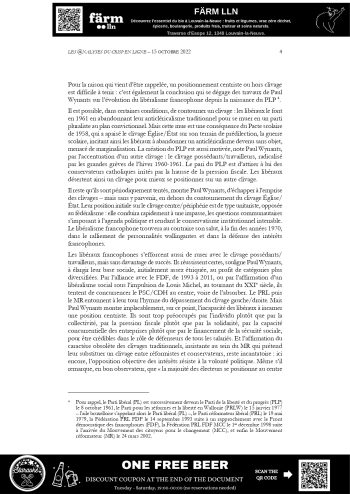
Q&A
What are the conditions for using Pappaye ?
The service is reserved for university students. You must use your university email address. For now, the service is only available to students in Louvain-la-Neuve.
How many pages can I print ?
Each student has 400 free pages per month. This quota helps ensure a sustainable service for everyone.
How do I send my document ?
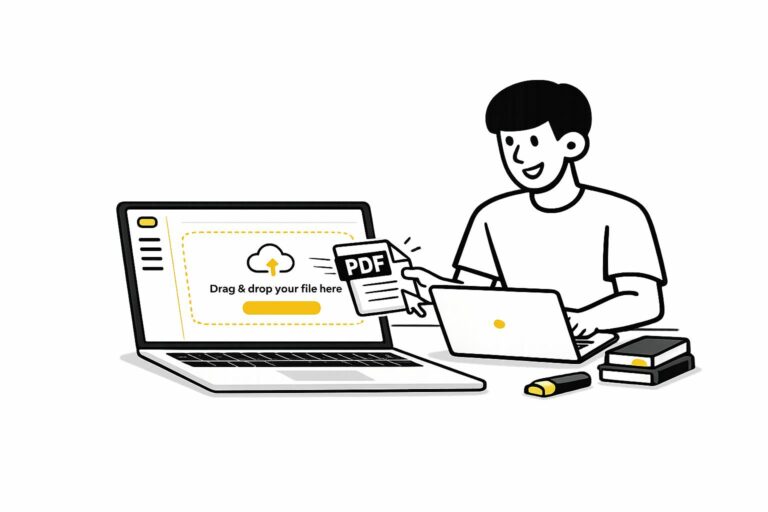
Fill in the printing form and drop your files in the dedicated section (PDF only)
Where can I pick up my prints ?
Documents are printed within a maximum of 3 business days. Once your document has been printed, you will receive a confirmation email from Facopy letting you know your prints are ready.
You can then pick them up at Facopy, in the center of Louvain-la-Neuve.
Prints must be collected within 2 weeks.
Why is there advertising ?
The ads fund the printing. They are placed at the top and/or bottom of the page and do not interfere with reading.
How does the system work in practice ?
We’ve developed software that automatically detects whether there is available space at the top and/or bottom of the page. When space is available, a banner is added there.
At the moment, if no space is available, a banner may still be inserted. We are actively improving the system to prevent this and ensure that no banner ever overlaps with the content.
What happens if there is no space at the top and bottom of the page ?
We are currently working on a system that slightly reduces the size of your document to create a small space at the top of the page for the banner, without overlapping your content.
This improvement will be available soon.